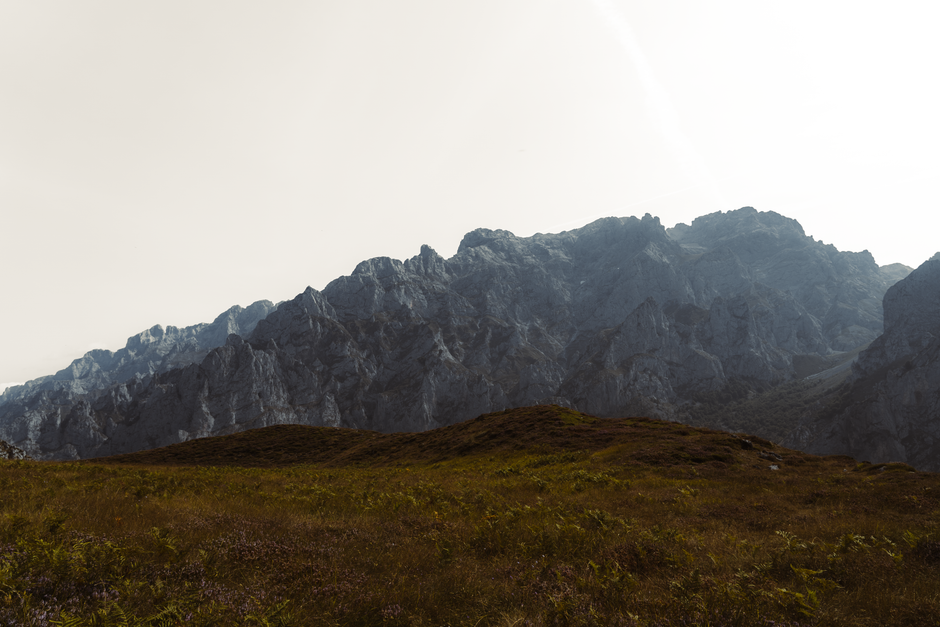
A minimalist desktop wallpaper can make a workspace feel calmer before you open a single app. The best minimalist wallpapers are not empty. They use space, contrast, and simple shapes to make the screen easier to use. For a productivity setup, a clean background helps icons, folders, widgets, and windows stand out without visual noise.
Why minimal wallpapers help productivity
Busy wallpapers can look exciting in a preview but distracting during long work sessions. A minimalist wallpaper gives your eyes fewer details to process. Soft gradients, quiet landscapes, simple geometric shapes, dark textures, and clean abstract designs all work well because they create mood without competing with your tools.
Choose the right desktop resolution
Desktop wallpapers should match your monitor resolution when possible. A 1920x1080 image works well for many laptops and standard monitors. Larger 2K and 4K screens benefit from higher-resolution wallpapers because textural detail stays crisp. Avoid stretching a small image across a large screen, especially if the wallpaper uses sharp lines or typography.
Leave room for icons and docks
Think about where your desktop icons, dock, taskbar, and widgets live. If the left side of your screen holds folders, choose a wallpaper with a quieter left edge. If you use a centered dock, avoid strong detail at the bottom. Minimalist wallpapers are useful because they often provide these calm areas naturally.
Match the full setup
A desktop setup includes more than the monitor. Keyboard lighting, room color, app theme, and browser style all affect how a wallpaper feels. Dark minimalist wallpapers suit night work and coding setups. Light neutral wallpapers can make creative workspaces feel open and fresh.
Browse clean desktop backgrounds
Start with latest HD wallpapers, scan trending wallpapers, and save clean backgrounds to collections for later comparison. Minimalist choices are worth testing for a full day because the best one is often the wallpaper you stop noticing while you work.