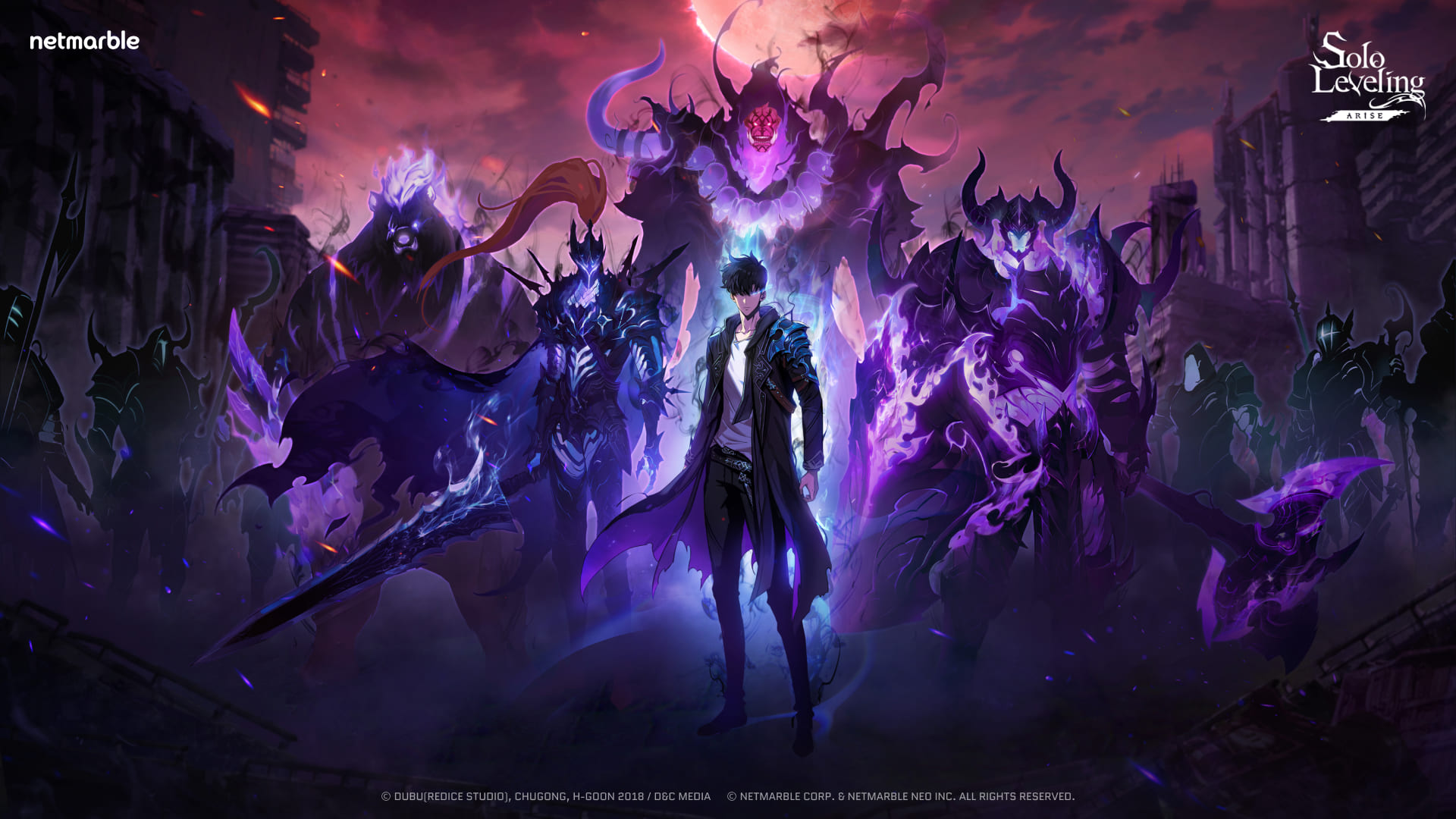
AMOLED screens can make a phone wallpaper feel deeper, cleaner, and more premium because each pixel produces its own light. Dark mobile wallpapers take advantage of that display style especially well. Blacks look rich, highlights feel sharper, and the home screen often becomes easier to scan. When you choose an AMOLED wallpaper, the goal is not only to find something dark. The best option has enough contrast to look beautiful while still leaving icons, widgets, and notification text readable.
Why AMOLED wallpapers work so well
On AMOLED and OLED phones, dark areas can appear close to true black. That makes neon details, anime silhouettes, night city scenes, space artwork, and minimal abstract designs stand out. A battery-friendly wallpaper usually uses large dark areas instead of bright full-screen color. This can reduce visual glare at night and may help battery life on some devices, depending on brightness, screen technology, and how often the display is active.
Choose a mobile-first composition
Phone wallpapers should fit a portrait screen. Look for subjects that sit near the center or upper third, because clocks and lock-screen widgets often cover the top and middle of the image. A wallpaper may look amazing as a landscape image but lose its subject when cropped vertically. Portrait wallpapers, dark close-ups, vertical city scenes, and centered characters usually work better for mobile screens.
Keep your home screen clean
A good AMOLED wallpaper gives your icons space to breathe. If the whole image is busy, app labels become harder to read. Choose backgrounds with dark corners, simple gradients, shadows, or open negative space. This is useful for Android launchers, iPhone home screens, and phones with large widgets.
Where to browse next
Start with latest HD wallpapers, check trending wallpapers, or explore dark visual styles through categories such as anime wallpapers. Save favorites into collections when you want to compare lock-screen and home-screen options later.


